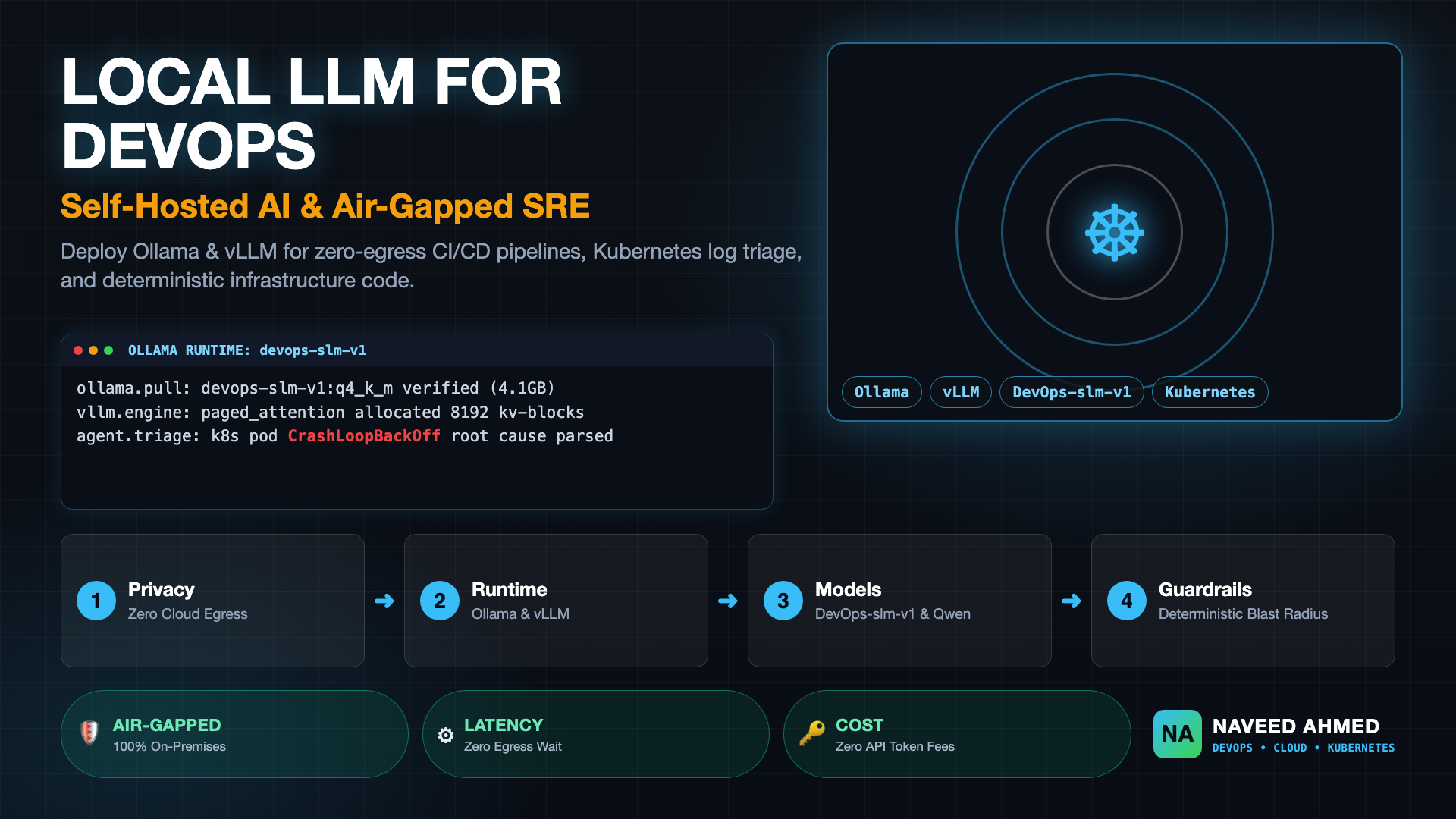
Deploying a local LLM for DevOps has rapidly transitioned from an experimental developer novelty into a core security and cost-reduction architecture for engineering organizations. As teams accelerate continuous delivery and adopt autonomous operational agents, sending proprietary Terraform configurations, cluster credentials, and crash logs to external third-party cloud APIs presents unacceptable compliance liabilities and unpredictable token expenses. By self-hosting optimized open-weight models, platform engineers gain complete data sovereignty, sub-second inference latency, and resilient offline capabilities across air-gapped environments.
Whether you are outfitting an SRE workstation with a quantized small language model or scaling an enterprise-grade inference engine inside a Kubernetes cluster, this guide provides the foundational blueprints, runtime evaluations, and operational playbooks required to execute successfully.
Why Run a Local LLM for DevOps Instead of Cloud APIs?
Running a local LLM for DevOps ensures complete infrastructure data sovereignty, eliminates the risk of leaking secrets in build logs, removes token-based API billing spikes, and enables deterministic, zero-latency automation inside air-gapped VPCs and on-premises data centers where external public internet egress is strictly prohibited by security compliance policies.
While public cloud models offer frontier-class reasoning, production DevOps workloads operate under unique structural constraints that heavily favor self-hosted local inference. When designing automated pipelines, platform teams must balance four critical architectural dimensions:
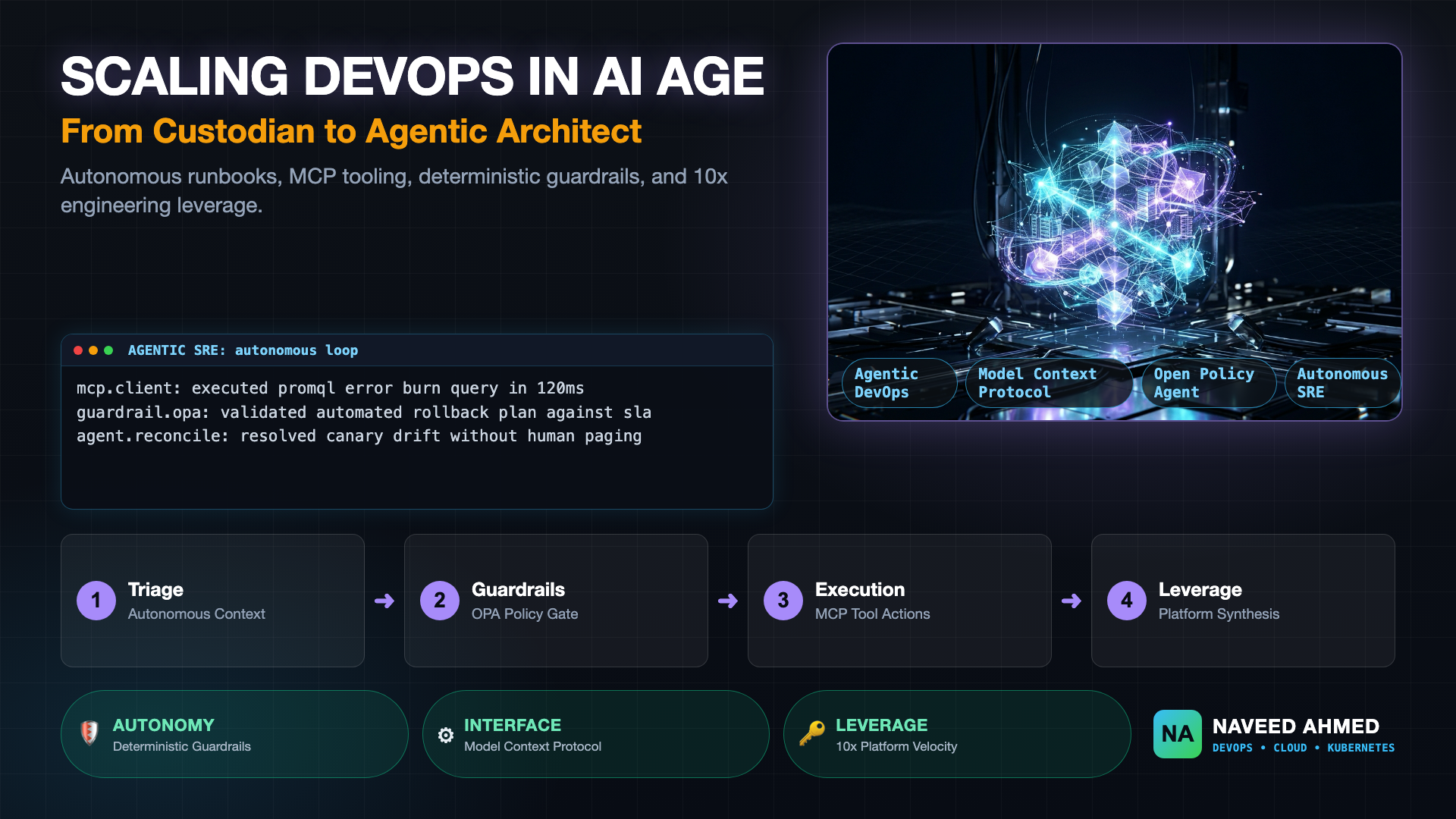
As explored in our analysis of scaling DevOps in the age of AI, the strategic goal is not merely adding a conversational bot, but building reliable agentic feedback loops that execute safely within governed platform boundaries.
The Air-Gapped Security and Compliance Imperative
Modern compliance frameworks—including SOC 2 Type II, ISO 27001, HIPAA, and FedRAMP—impose strict data boundary restrictions. Sending raw infrastructure code or container vulnerability scans to commercial cloud API endpoints can constitute third-party data processing violations. A self-hosted local model allows engineering organizations to deploy autonomous code reviewers and triage workers directly inside hardened bastion networks or air-gapped Kubernetes clusters without breaching regulatory boundaries.
Eliminating Token Invoicing Spikes in CI/CD and Observability
DevOps automation generates dense, repetitive, and voluminous text. A single failed integration test suite or a detailed Kubernetes pod describe output can easily span thousands of tokens. Running frequent pull request validation across dozens of microservices against commercial APIs can rapidly accumulate thousands of dollars in monthly consumption fees. Self-hosting models on existing bare-metal hardware or dedicated cloud GPU instances caps expenses to predictable, fixed infrastructure costs.
The 970+ Incident Handbook & K8s Runbooks are exclusive to subscribers — unlock for FREE
Get battle-tested production runbooks, AWS architecture blueprints, and zero-downtime CI/CD post-mortems sent directly to your inbox. 100% free, no spam.
What Is the Best Local LLM for DevOps?
The best local LLM for DevOps depends on hardware constraints and task complexity: specialized models like DevOps-slm-v1 deliver unmatched precision for Kubernetes manifests and Terraform validation on low resource budgets, while general coding models like Qwen 2.5 Coder 14B and DeepSeek-Coder-V2 excel at complex multi-file scripting and autonomous incident triage.
When selecting a model for platform engineering, you do not need an unwieldy 70-billion-parameter generalist model to write YAML or parse Linux systemd errors. Purpose-built coding models and specialized small language models (SLMs) achieve higher domain accuracy with drastically lower memory footprints.
| Model Name | Parameters | Quantization | Min System Memory | Primary DevOps Workload | Recommended Runtime |
|---|---|---|---|---|---|
| DevOps-slm-v1 | 3.8B – 7B | Q4_K_M (4-bit) | 6 GB RAM / VRAM | K8s YAML, Helm templates, Terraform drift, incident log triage | Ollama / llama.cpp |
| Qwen 2.5 Coder | 7B / 14B | Q4_K_M / Q8_0 | 8 GB – 16 GB VRAM | Complex Python/Go tooling, multi-stage Dockerfiles, Bash scripts | Ollama / vLLM |
| DeepSeek-Coder-V2-Lite | 16B (MoE, 2.4B active) | Q4_K_M | 12 GB VRAM / RAM | Full repository context analysis, CI/CD pipeline refactoring | vLLM / Ollama |
| Llama 3.3 Instruct | 70B | Q4_K_M / FP8 | 40 GB – 48 GB VRAM | Root-cause postmortems, enterprise compliance audits, complex agents | vLLM (Dual A10G/L4) |
DevOps-slm-v1 vs General Open Coding Models
DevOps-slm-v1 represents an emerging generation of fine-tuned small language models specifically trained on declarative infrastructure patterns, Prometheus alerting rules, Docker container specifications, and Linux system telemetry. Unlike broader foundation models that waste parameter capacity on conversational prose, an SLM concentrates its attention weights on structured declarative schemas. It exhibits significantly lower hallucination rates when generating Kubernetes API configurations, avoiding obsolete API versions and fabricating non-existent object parameters.
Running a Local LLM for Low End PC and Edge Workstations
You do not need an enterprise server rack or an expensive workstation GPU to leverage a local LLM for low end pc environments. Thanks to optimized GGUF integer quantization formats (such as Q4_K_M), a 7B parameter model can be reduced to approximately 4.2 GB of disk footprint and runs comfortably within 8 GB of unified system RAM on standard developer laptops.
When running on standard consumer hardware without dedicated VRAM:
- Select GGUF 4-bit Quantization: Use
Q4_K_Mfor an optimal balance between syntax coherence and minimal memory overhead. - Limit Context Window: Configure the runtime context window (
num_ctx) to conservative boundaries (such as 4096 tokens) rather than oversized context buffers to prevent system RAM exhaustion. - Offload Layers Dynamically: Utilize runtimes that partially offload matrix operations to integrated GPUs (such as Apple Metal or Intel/AMD iGPUs) while retaining the remainder in system RAM.
Ollama vs vLLM: Choosing Your Self-Hosted Inference Runtime
Ollama is the premier local LLM runtime for developer workstations, local shell copilots, and single-engineer CLI tooling due to its lightweight setup and zero-configuration model management, whereas vLLM is the production standard for enterprise Kubernetes clusters requiring high-concurrency request serving, continuous batching, and PagedAttention memory optimization.
Choosing the correct runtime environment determines the operational reliability, throughput, and hardware efficiency of your infrastructure AI stack. Platform engineers should match the runtime to the execution boundary:
If you are building personal productivity tooling or local terminal helpers, Ollama delivers unmatched ergonomics. If you are building a central internal AI gateway to serve dozens of Jenkins runners, GitHub Actions runners, or Kubernetes admission webhooks simultaneously, vLLM is the indispensable architecture choice.
How to Deploy a Local LLM for DevOps with Ollama and vLLM
To deploy a local LLM for DevOps, run Ollama locally using official container images or native binaries with GPU acceleration enabled, or deploy vLLM onto a dedicated Kubernetes node using a declarative Deployment manifest configured with NVIDIA container runtime resource limits and Hugging Face model cache mounts.
Below are production-ready deployment configurations for both workstation environments and shared Kubernetes clusters.
Deploying Ollama on Linux or Docker
Launch Ollama inside a local Docker environment with GPU pass-through enabled, configure persistent volume storage for model weights, and pull your designated DevOps model:
# Run Ollama with GPU acceleration (NVIDIA Container Toolkit)
docker run -d \
  --name ollama-devops \
  --gpus=all \
  -v ollama_models:/root/.ollama \
  -p 11434:11434 \
  --restart unless-stopped \
  ollama/ollama:latest

# Pull the DevOps-focused coding model
docker exec -it ollama-devops ollama pull qwen2.5-coder:7b-instruct-q4_K_M
Verify that the local endpoint is responsive by generating a structured Kubernetes manifest directly from the terminal:
curl -s http://localhost:11434/api/generate -d '{
  "model": "qwen2.5-coder:7b-instruct-q4_K_M",
  "prompt": "Write a clean Kubernetes NetworkPolicy manifest that denies all ingress traffic by default in the staging namespace. Output YAML only.",
  "stream": false
}' | jq -r '.response'
The command executes against your local hardware, outputting a valid declarative manifest with zero outbound network calls:
apiVersion: networking.k8s.io/v1
kind: NetworkPolicy
metadata:
  name: default-deny-ingress
  namespace: staging
spec:
  podSelector: {}
  policyTypes:
  - Ingress
Deploying vLLM in a Production Kubernetes Cluster
For high-throughput platform services, deploy vLLM onto a node pool equipped with NVIDIA L4 or A10G GPUs. The following manifest establishes a production-grade Deployment and Service equipped with readiness probes, shared memory volume mounts, and OpenAI API emulation:
apiVersion: apps/v1
kind: Deployment
metadata:
  name: vllm-devops-engine
  namespace: platform-ai
  labels:
    app.kubernetes.io/name: vllm-engine
    app.kubernetes.io/component: inference
spec:
  replicas: 1
  selector:
    matchLabels:
      app: vllm-devops-engine
  template:
    metadata:
      labels:
        app: vllm-devops-engine
    spec:
      containers:
      - name: vllm
        image: vllm/vllm-openai:v0.6.3
        args:
        - "--model=Qwen/Qwen2.5-Coder-14B-Instruct-GPTQ-Int4"
        - "--port=8000"
        - "--max-model-len=8192"
        - "--gpu-memory-utilization=0.92"
        - "--trust-remote-code"
        ports:
        - containerPort: 8000
          name: http
        resources:
          limits:
            nvidia.com/gpu: "1"
            memory: 24Gi
            cpu: "8"
          requests:
            nvidia.com/gpu: "1"
            memory: 16Gi
            cpu: "4"
        volumeMounts:
        - mountPath: /dev/shm
          name: dshm
        - mountPath: /root/.cache/huggingface
          name: model-cache
        readinessProbe:
          httpGet:
            path: /health
            port: 8000
          initialDelaySeconds: 45
          periodSeconds: 10
      volumes:
      - name: dshm
        emptyDir:
          medium: Memory
          sizeLimit: 8Gi
      - name: model-cache
        persistentVolumeClaim:
          claimName: vllm-model-cache-pvc
---
apiVersion: v1
kind: Service
metadata:
  name: vllm-service
  namespace: platform-ai
spec:
  type: ClusterIP
  ports:
  - port: 8000
    targetPort: 8000
    name: http
  selector:
    app: vllm-devops-engine
This internal service allows internal CI/CD runners and diagnostic pods across the cluster to submit inference requests via standard OpenAI SDK client libraries, pointing their base URL to http://vllm-service.platform-ai.svc.cluster.local:8000/v1.
4 Practical Workflows: Putting a Local LLM in DevOps Pipelines
Practical workflows for a local LLM in DevOps include automated triage of Kubernetes CrashLoopBackOff container failures, air-gapped pull request linting for infrastructure-as-code, intelligent parsing of Prometheus alert spikes, and safe interactive terminal assistants that suggest complex CLI syntax without public telemetry leakage.
To extract immediate ROI from your self-hosted inference runtime, integrate local models directly into your daily operational lifecycle.
Workflow 1: Automated Kubernetes CrashLoopBackOff Pod Triage
When a containerized workload fails unexpectedly in production, engineers spend substantial time extracting pod descriptions, inspecting previous container logs, and searching runbooks. A local Python triage script can ingest raw cluster telemetry, invoke your internal Ollama or vLLM endpoint, and summarize the exact failure signature:
#!/usr/bin/env python3
"""
Air-gapped Kubernetes Pod Crash Analyzer using Local LLM.
Fetches pod termination state and queries internal Ollama instance.
"""
import subprocess
import requests
import json
import sys

def get_pod_diagnostics(namespace: str, pod_name: str) -> str:
    describe_cmd = ["kubectl", "describe", "pod", pod_name, "-n", namespace]
    logs_cmd = ["kubectl", "logs", pod_name, "-n", namespace, "--tail=50", "--previous"]

    desc_out = subprocess.run(describe_cmd, capture_output=True, text=True).stdout
    logs_out = subprocess.run(logs_cmd, capture_output=True, text=True).stdout

    return f"--- POD DESCRIPTION ---\n{desc_out}\n\n--- PREVIOUS CONTAINER LOGS ---\n{logs_out}"

def analyze_with_local_llm(diagnostics: str) -> str:
    prompt = f"""You are an SRE incident responder. Analyze these Kubernetes diagnostics.
Identify:
1. Root cause of termination (OOMKilled, exit code, missing config, failed probe)
2. Offending log line
3. Exact remediating action

Telemetry:
{diagnostics}
"""
    res = requests.post(
        "http://localhost:11434/api/generate",
        json={
            "model": "qwen2.5-coder:7b-instruct-q4_K_M",
            "prompt": prompt,
            "stream": False,
            "options": {"temperature": 0.1}
        },
        timeout=60
    )
    return res.json().get("response", "No response generated")

if __name__ == "__main__":
    if len(sys.argv) < 3:
        print("Usage: python3 triage.py  ")
        sys.exit(1)

    data = get_pod_diagnostics(sys.argv[1], sys.argv[2])
    analysis = analyze_with_local_llm(data)
    print("\n=== SRE TRIAGE REPORT ===")
    print(analysis)
Executing this against a failing workload yields an instant, actionable breakdown directly inside the terminal:
=== SRE TRIAGE REPORT ===
1. Root Cause: Container terminated with Exit Code 137 (OOMKilled). The JVM requested 2.4Gi memory but the pod resource limit is constrained to 2.0Gi.
2. Offending Log Line: "java.lang.OutOfMemoryError: Java heap space" followed by kernel oom-killer invocation.
3. Remediating Action: Increase spec.containers[0].resources.limits.memory to 3Gi or tune JVM -Xmx parameter to 1536m in configmap.
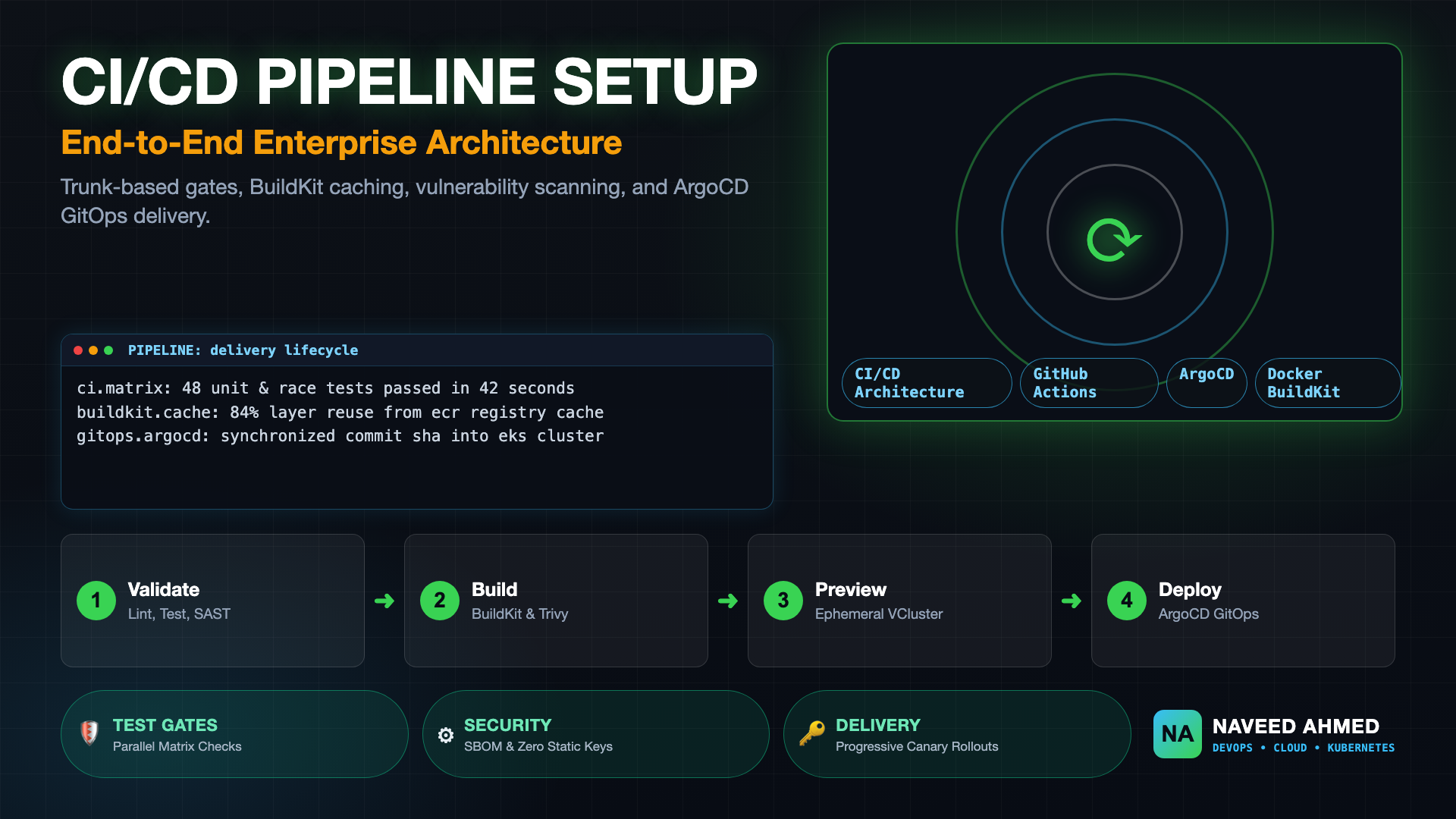
For hands-on pipeline setup instructions, reference our step-by-step DevOps pipeline setup tutorial.
Workflow 2: Air-Gapped Pull Request Review for Terraform & Kubernetes
Integrating a local LLM into your CI/CD runner allows continuous scanning of Git pull requests without exposing proprietary infrastructure topology to external APIs. In your pipeline stage, pipe git diff into the local model to flag misconfigured security groups, unpinned container tags, or missing resource limits.
For more architectural patterns on modern deployment automation, see our CI/CD pipeline setup guide and explore the full suite of production manifests in the Kubernetes DevOps platform toolkit.
Workflow 3: Local Terminal Copilot and CLI Helper
By wiring an interactive shell alias to an internal Ollama instance, platform engineers can ask natural language questions regarding esoteric iptables, jq, or openssl certificate inspection commands without leaving the terminal or navigating web searches. Because the queries execute locally, no internal domain names or corporate credentials typed into commands are ever transmitted across external networks.
Production Pitfalls and Hardening: Guardrails for Local AI
Safeguarding a local LLM for DevOps requires establishing strict read-only Kubernetes RBAC service accounts, wrapping model outputs in deterministic schema validation frameworks, isolating inference workloads on dedicated GPU node pools, and strictly forbidding automated write mutations to production clusters without cryptographic human sign-off.
While local models offer privacy and speed, autonomous infrastructure automation introduces severe operational hazards if deployed without guardrails:
- Hallucinated Parameters in IaC: Models can invent non-existent flags in Terraform providers or Kubernetes manifests. Always pass generated configurations through deterministic linters (such as
terraform validate,kubeconform, andtrivy) before applying them. - Unbounded Blast Radius: Never grant an LLM agent write access (
create,update,delete) to production Kubernetes namespaces. Agents should operate under read-only RBAC roles (get,list,watch), producing change recommendations as Git pull requests rather than direct live mutations. - VRAM Contention and Out-of-Memory Panics: Loading multiple large models on the same host can trigger sudden CUDA out-of-memory errors. Isolate model inference engines with strict Kubernetes resource limits and configure model caching on high-speed NVMe storage.
For further operational blueprints and architectural deep dives, consult our comprehensive library of production DevOps and SRE guides.
Conclusion
Adopting a local LLM for DevOps empowers platform and SRE teams to automate repetitive operational toil, accelerate log triage, and review infrastructure code without compromising data security or incurring volatile cloud API bills. By matching lightweight small language models to workstation workflows with Ollama and deploying scalable vLLM engines on Kubernetes, organizations can build private, resilient, and air-gapped autonomous platform capabilities for 2026 and beyond.
Frequently Asked Questions
Which LLM is best for coding locally?
For local development and DevOps automation, Qwen 2.5 Coder (14B or 32B) and DeepSeek-Coder-V2 are widely considered top open-weight performers. For lightweight setups or low-end PCs, specialized small language models like DevOps-slm-v1 or Qwen 2.5 Coder 7B quantized to 4-bit (Q4_K_M) provide rapid syntax generation and YAML reconciliation with less than 8 GB of RAM.
Can I run a local LLM for coding and DevOps on a low-end PC?
Yes. Using GGUF 4-bit quantization (Q4_K_M) via Ollama or llama.cpp, 7B and 8B parameter models require only 6 GB to 8 GB of unified system RAM and run smoothly on modern CPUs or integrated GPUs without dedicated discrete VRAM.
Which AI tool or runtime is best for DevOps automation?
For single-node workstations and ad-hoc CLI tasks, Ollama offers the lowest barrier to entry with pre-built model pulls. For multi-tenant production clusters requiring concurrent pipeline throughput and high-load batch processing, vLLM is the industry standard due to PagedAttention and OpenAI-compatible API serving.
Which LLM models can run locally in an air-gapped enterprise environment?
Open-weight models including Qwen 2.5 Coder, Llama 3.3, Mistral NeMo, and specialized models like DevOps-slm-v1 run entirely offline. Once model weights (GGUF or SafeTensors) are mirrored to an internal container registry or private S3 bucket, inference requires zero external internet egress.
What is DevOps-slm-v1 and when should platform teams use it?
DevOps-slm-v1 is a fine-tuned small language model (SLM) trained specifically on Kubernetes manifests, Terraform configurations, Helm templates, CI/CD pipeline definitions, and incident triage logs. It delivers high precision on infrastructure tasks at a fraction of the compute footprint required by 70B general-purpose models.