Modern software delivery requires reliable, automated feedback loops that turn source code into production value within minutes. In this ci/cd pipeline setup guide, we explore the battle-tested architectural principles, stage guardrails, security gates, and GitOps workflows used by elite DevOps and SRE teams to deploy resilient systems at scale. A continuous integration and continuous delivery pipeline is not merely a collection of shell commands; it is an immutable software supply chain. When engineered correctly, it prevents production outages, enforces least-privilege cloud security, and provides developers with the psychological safety to ship code multiple times per day.
The Core Architecture: Deconstructing the Modern CI/CD Lifecycle
An enterprise CI/CD pipeline separates concerns into two distinct control loops: Continuous Integration (which compiles, tests, and validates code into immutable, signed artifacts) and Continuous Delivery (which reconciles declarative infrastructure state and orchestrates zero-downtime rollouts). Decoupling these stages prevents cluster credential sprawl and ensures repeatable deployments.
Every resilient implementation detailed in this ci/cd pipeline setup guide follows a strict separation between artifact construction and artifact deployment. In legacy systems, build servers frequently held direct administrative access to Kubernetes clusters, executing kubectl apply directly from build agents. Modern cloud-native engineering replaces this risky push model with a declarative pull model governed by GitOps.
Continuous Integration terminates at the artifact registry. The CI runner compiles code, verifies unit/integration test suites, scans for vulnerabilities, signs the image with cryptographic provenance, and pushes it to an immutable registry like Amazon ECR. It never touches cluster control planes. Continuous Delivery is delegated to an in-cluster GitOps controller like ArgoCD that monitors Git configuration commits and reconciles live state automatically.
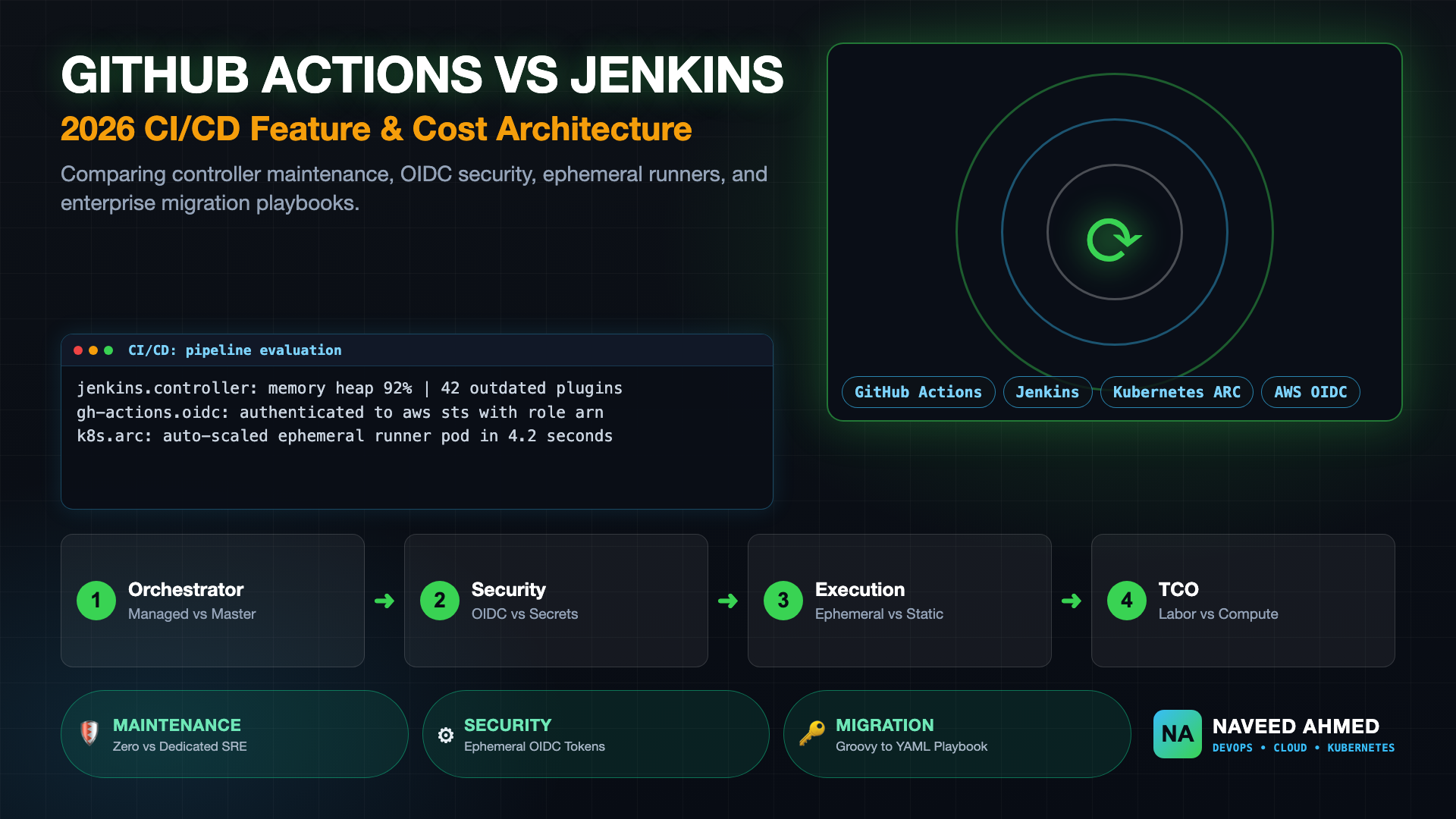
To evaluate which orchestration engine fits your organization's operational model, review our comprehensive breakdown of GitHub Actions vs Jenkins, where we analyze controller maintenance overhead, ephemeral runners, and total cost of ownership. For practicing real-world incident drills, explore the CI/CD Interview Questions Hub.
The 970+ Incident Handbook & K8s Runbooks are exclusive to subscribers — unlock for FREE
Get battle-tested production runbooks, AWS architecture blueprints, and zero-downtime CI/CD post-mortems sent directly to your inbox. 100% free, no spam.
CI/CD Pipeline Setup Guide: Production Stages & Quality Gates Matrix
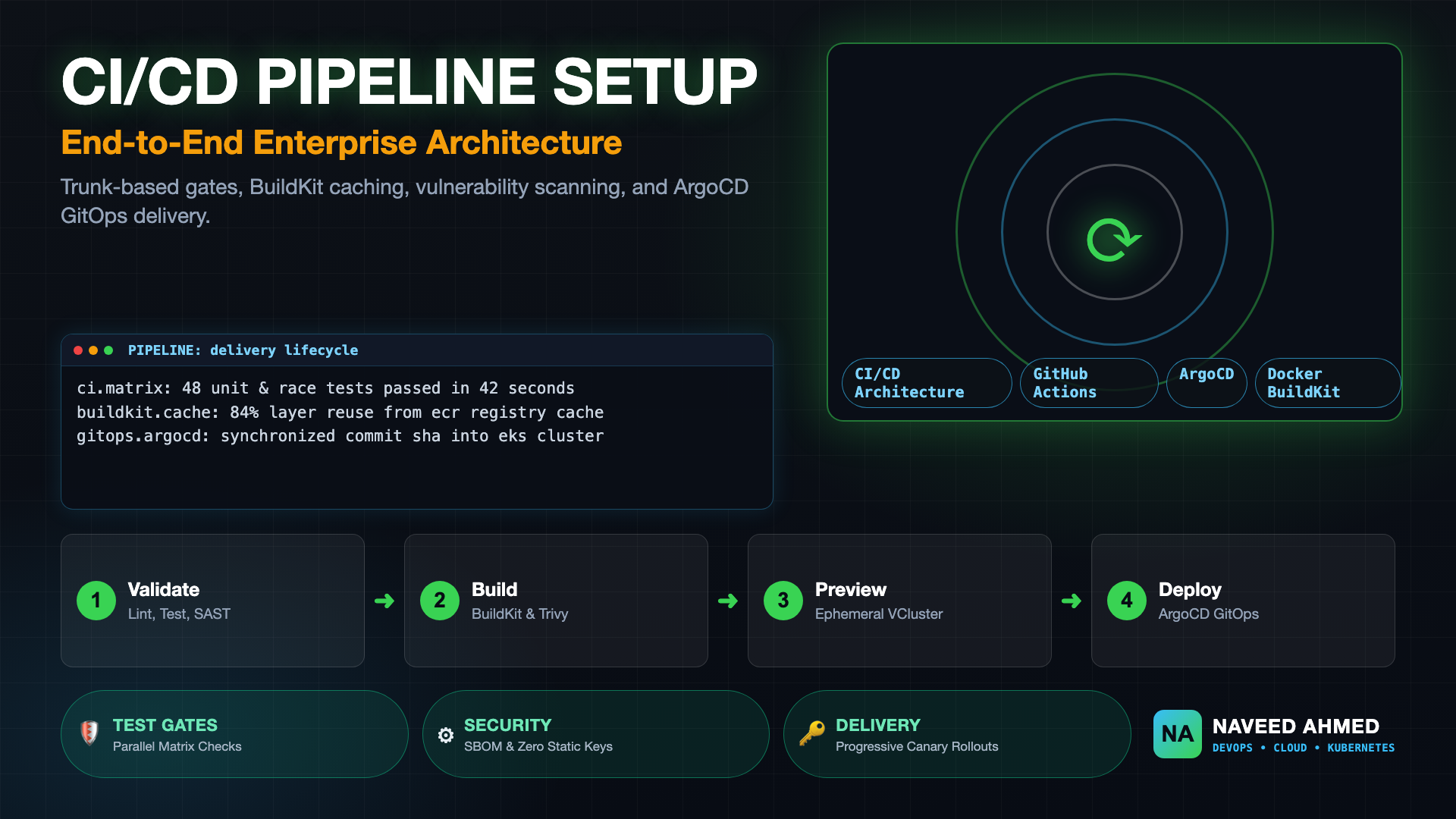
A production-ready delivery pipeline enforces strict progression criteria across distinct execution phases. The matrix below defines the standard five-stage enterprise lifecycle, outlining the core tooling, mandatory quality gate thresholds, and target execution duration for high-velocity teams.
| Pipeline Stage | Primary Tooling | Mandatory Gate Criteria | Target SLA |
|---|---|---|---|
| 1. Code Hygiene & SAST | GolangCI-Lint, ESLint, Semgrep, TruffleHog | Zero unformatted code, zero hardcoded secrets, zero High/Critical static bugs. | < 90 seconds |
| 2. Matrix Automated Testing | Pytest, Go Test, Jest, Testcontainers | 100% test pass rate, > 80% code coverage, zero race conditions detected. | < 3 minutes |
| 3. BuildKit & Vulnerability Scan | Docker Buildx, Trivy, Syft (SBOM), Cosign | Multi-stage cached build; zero fixable CRITICAL container CVEs; signed image. | < 2 minutes |
| 4. Ephemeral Environments | vcluster, Helm, GitHub PR Environments | Live ephemeral endpoint deployed; synthetic smoke tests and API contracts verified. | < 4 minutes |
| 5. GitOps Canary Deployment | ArgoCD, Argo Rollouts, Prometheus Metrics | Gradual traffic shifting (10% → 50% → 100%); automated rollback on error spikes. | Continuous |
Implementing this multi-tier gate structure ensures that catastrophic defects are caught early in the execution funnel when remediation costs are lowest. For detailed interview scenarios regarding pipeline breakdowns, review our incident breakdown on CI/CD pipeline interview questions and answers.
Stage 1 & 2: Trunk-Based Development, Matrix Testing, and Fast Feedback
High-performing engineering teams organize their CI feedback loops around trunk-based development, where short-lived feature branches merge into main daily. Running tests concurrently across dependency matrices and operating systems isolates environment regressions while maintaining sub-5-minute feedback cycles.
The foundation of this ci/cd pipeline setup guide relies on fast developer feedback. When pipeline execution exceeds 10 minutes, developers lose focus, switch contexts, and stack unverified pull requests. To keep execution brisk, pipeline jobs must run in parallel using containerized matrix runners.
Below is an enterprise GitHub Actions job definition demonstrating parallel test execution, native toolchain caching, and race condition detection:
# Concurrency & Matrix Testing Configuration
name: Continuous Integration Fast-Feedback
on:
  pull_request:
    branches: [ main ]
  push:
    branches: [ main ]

concurrency:
  group: ci-${{ github.ref }}
  cancel-in-progress: true

jobs:
  code-hygiene:
    name: Lint & Secret Detection
    runs-on: ubuntu-latest
    steps:
      - name: Checkout Code
        uses: actions/checkout@v4

      - name: Run TruffleHog Secret Scanner
        uses: trufflesecurity/trufflehog@v3.63.0
        with:
          path: ./
          base: ${{ github.event.repository.default_branch }}
          head: HEAD

  unit-tests:
    name: Matrix Test (Go ${{ matrix.go-version }})
    needs: code-hygiene
    runs-on: ubuntu-latest
    strategy:
      fail-fast: false
      matrix:
        go-version: ['1.23', '1.24']
    steps:
      - name: Checkout Repository
        uses: actions/checkout@v4

      - name: Setup Go Toolchain
        uses: actions/setup-go@v5
        with:
          go-version: ${{ matrix.go-version }}
          cache: true

      - name: Run Unit Tests with Race Detector
        run: |
          go test -race -v -coverprofile=coverage.out ./...
By leveraging concurrency.cancel-in-progress: true, outdated runs on superseded commits are instantly terminated, conserving runner capacity and cloud spend.
Stage 3: Sub-Minute Docker Builds with Multi-Stage BuildKit Caching
Container image compilation is frequently the slowest stage in continuous delivery pipelines. Utilizing Docker BuildKit multi-stage builds alongside remote inline registry caching eliminates redundant layer downloads and accelerates build durations by up to 80%.
A frequent error highlighted in this ci/cd pipeline setup guide is building Docker images without an effective caching strategy. When build runners spin up in clean, ephemeral virtual machines, local Docker layer caches are lost. By persisting BuildKit cache layers directly into remote container registries (such as Amazon ECR or GitHub Container Registry), subsequent builds reuse compiled dependencies instantly.
# Syntax directive enabling modern BuildKit features
# syntax=docker/dockerfile:1.7

# Stage 1: Build & Compile
FROM golang:1.24-alpine AS builder
WORKDIR /workspace
RUN apk add --no-cache git ca-certificates

# Cache dependencies independently from source code
COPY go.mod go.sum ./
RUN --mount=type=cache,target=/go/pkg/mod \
    go mod download

COPY . .
RUN --mount=type=cache,target=/go/pkg/mod \
    --mount=type=cache,target=/root/.cache/go-build \
    CGO_ENABLED=0 GOOS=linux GOARCH=amd64 go build -ldflags="-s -w" -o /bin/service ./cmd/api

# Stage 2: Minimal Distroless Runtime
FROM gcr.io/distroless/static-debian12:nonroot
WORKDIR /
COPY --from=builder /bin/service /service
USER nonroot:nonroot
EXPOSE 8080
ENTRYPOINT ["/service"]
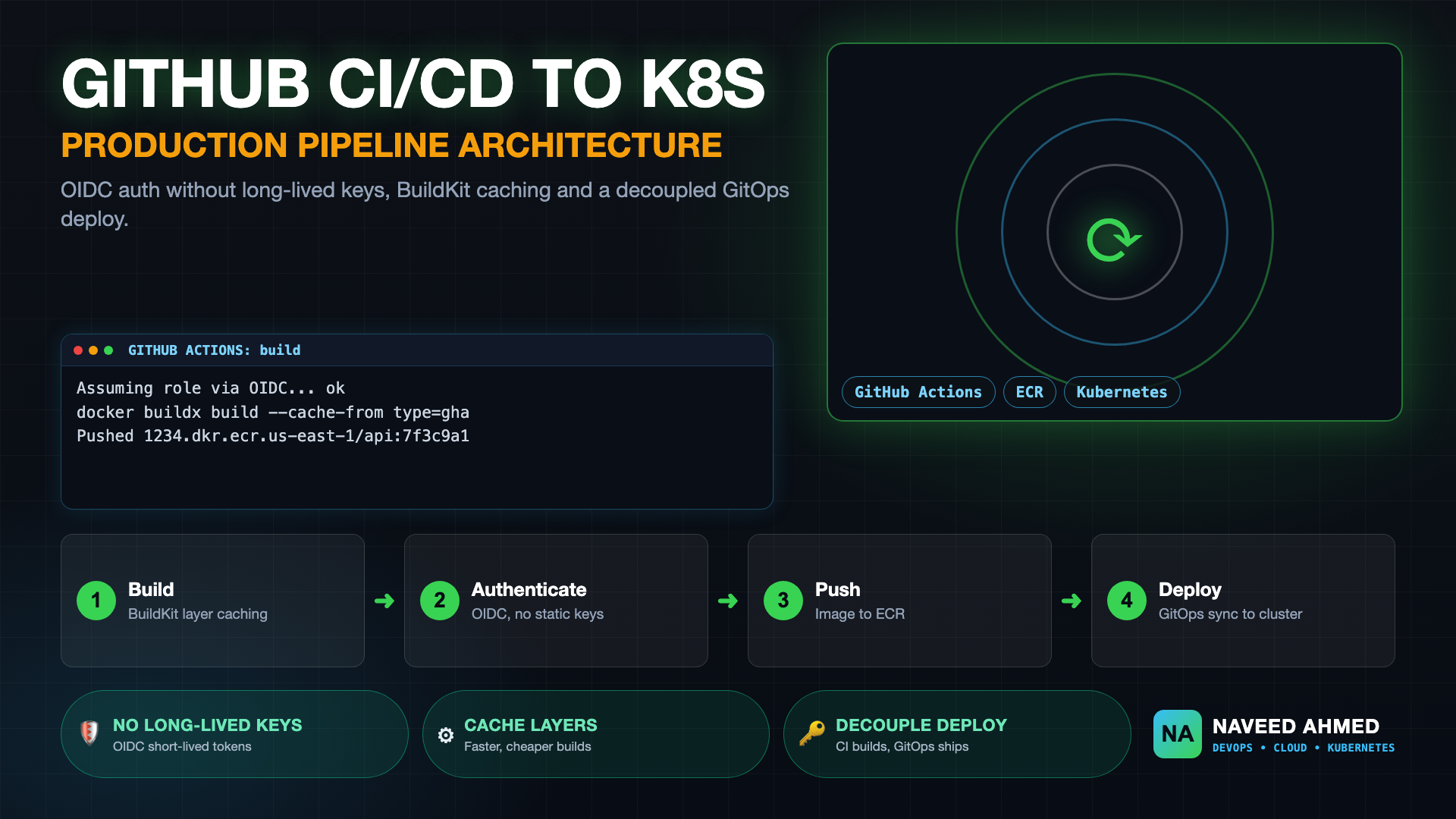
The companion GitHub Actions workflow leverages docker/build-push-action with cache-from: type=gha and cache-to: type=gha,mode=max, ensuring that build layers are stored and fetched over GitHub's high-speed internal backbone. For more details on multi-stage caching, consult our tutorial on GitHub Actions ECR and Kubernetes production delivery.
Stage 4: Automated Security Scanning: SAST, Secrets, and Trivy CVE Gates
Integrating security guardrails into developer pipelines ensures vulnerabilities are discovered before deployment rather than during production audits. Automated scanning blocks builds when hardcoded credentials, unpatched base image packages, or high-severity CVEs are introduced.
Security must be shifted directly into the pull request workflow. As outlined throughout this ci/cd pipeline setup guide, waiting for monthly security scans leaves production clusters vulnerable to zero-day supply chain exploits. We incorporate Trivy container vulnerability scanning and SBOM generation directly into the build pipeline:
  container-security:
    name: Container Vulnerability Scan
    runs-on: ubuntu-latest
    needs: [unit-tests]
    steps:
      - name: Checkout Code
        uses: actions/checkout@v4

      - name: Set up Docker Buildx
        uses: docker/setup-buildx-action@v3

      - name: Build Local Container Image for Scanning
        uses: docker/build-push-action@v5
        with:
          context: .
          load: true
          tags: local-scan-target:${{ github.sha }}

      - name: Scan Image with Trivy
        uses: aquasecurity/trivy-action@master
        with:
          image-ref: 'local-scan-target:${{ github.sha }}'
          format: 'table'
          exit-code: '1'
          ignore-unfixed: true
          severity: 'CRITICAL,HIGH'
When Trivy discovers an unpatched CRITICAL vulnerability, the step exits with code 1, automatically blocking the pull request from merging and notifying the author with actionable remediation links.
Stage 5: GitOps Reconciliation with ArgoCD and Canary Deployments
Continuous Deployment is achieved through declarative reconciliation using GitOps. Rather than executing imperative deployment scripts, the CI workflow updates an environment repository, prompting ArgoCD to orchestrate progressive canary rollouts without manual human intervention.
In modern cloud engineering, pipelines do not run helm upgrade directly against clusters. Instead, the final step of our ci/cd pipeline setup guide creates an automated pull request (or commits an image tag change) to a dedicated GitOps repository:
# Complete ArgoCD Application Manifest
apiVersion: argoproj.io/v1alpha1
kind: Application
metadata:
  name: payments-microservice
  namespace: argocd
  finalizers:
    - resources-finalizer.argocd.argoproj.io
spec:
  project: default
  source:
    repoURL: https://github.com/naveedahmed/gitops-manifests.git
    targetRevision: main
    path: environments/production/payments
  destination:
    server: https://kubernetes.default.svc
    namespace: production-workloads
  syncPolicy:
    automated:
      prune: true
      selfHeal: true
    syncOptions:
      - CreateNamespace=true
When the GitOps repository is updated, ArgoCD detects the configuration diff and initiates deployment. Coupled with an Argo Rollout, traffic is shifted incrementally (e.g., 10% for 15 minutes while monitoring Prometheus HTTP 5xx error rates) before committing to full production cutover. Read our comprehensive analysis on GitOps with ArgoCD eliminating configuration drift for operational best practices.
Common Anti-Patterns to Avoid When Setting Up Pipelines
Building high-velocity delivery pipelines requires steering clear of pervasive architectural traps. Avoiding long-lived feature branches, fragile shell scripts, static cloud credentials, and unversioned pipeline templates prevents operational decay over time.
When teams establish pipelines without following this ci/cd pipeline setup guide, several anti-patterns repeatedly degrade system reliability:
- Long-Lived Feature Branches (GitFlow): Keeping branches unmerged for weeks creates terrifying merge conflicts and invalidates CI assumptions. Require daily trunk-based merges behind feature toggles.
- Static Cloud Access Keys in CI Secrets: Storing long-lived AWS or GCP access keys in CI settings creates high-severity credential leak vulnerabilities. Always use OpenID Connect (OIDC) identity federation.
- Snowflake Pipeline Environments: Using static build VMs where dependencies accumulate over time leads to "it worked on my runner" defects. Every job must execute in a sterile, ephemeral container or VM.
- Unbounded Test Execution: Allowing end-to-end integration tests to run unthrottled for 45 minutes causes developer disengagement. Split test suites into fast unit tests on PRs and extensive end-to-end regression tests nightly.
- Direct Cluster Pushes from CI: Giving CI runners administrative cluster certificates violates least-privilege principles. Transition to GitOps pull mechanisms.
Following this ci/cd pipeline setup guide provides engineering teams with an automated, self-healing software delivery foundation. By combining trunk-based hygiene, Docker BuildKit caching, zero-trust OIDC credentials, automated security scanning, and GitOps rollouts, organizations achieve rapid release velocity while maintaining uncompromising operational stability.
Frequently Asked Questions
What is the fundamental difference between CI and CD in modern engineering?
Continuous Integration (CI) automatically builds, tests, and validates code changes every time an engineer pushes a branch or pull request, preventing integration defects. Continuous Delivery (CD) packages verified artifacts, updates declarative deployment manifests, and orchestrates progressive, zero-downtime rollouts across staging and production clusters.
How do you achieve sub-5-minute Docker build times in CI/CD pipelines?
Utilize BuildKit multi-stage builds, pin immutable base image digests, order Dockerfile layers from least-frequently to most-frequently changed, and configure remote registry caching (such as type=gha or Amazon ECR cache-from/cache-to) alongside local cache mounts for package managers (go, npm, pip).
Why is trunk-based development preferred over GitFlow for high-velocity CI/CD?
Trunk-based development mandates that developers merge small, frequent commits into the main branch daily behind feature flags. This eliminates painful multi-week merge conflicts, keeps integration cycles under 10 minutes, and ensures CI feedback reflects true production state.
Which mandatory security gates should run before container artifact promotion?
Production pipelines must enforce static application security testing (SAST), secret scanning to detect leaked API keys, software bill of materials (SBOM) generation, and container image vulnerability scanning (e.g. Trivy) with automated build breakage on unpatched CRITICAL CVEs.
How does GitOps decouple Continuous Integration from Continuous Deployment?
CI pipelines focus exclusively on compiling code, running tests, and publishing immutable, signed container images. The CI workflow then updates a GitOps repository (or Helm values commit) with the new image tag. An in-cluster GitOps operator like ArgoCD detects the change and pulls the application into Kubernetes, eliminating the need to expose cluster API credentials to CI runners.