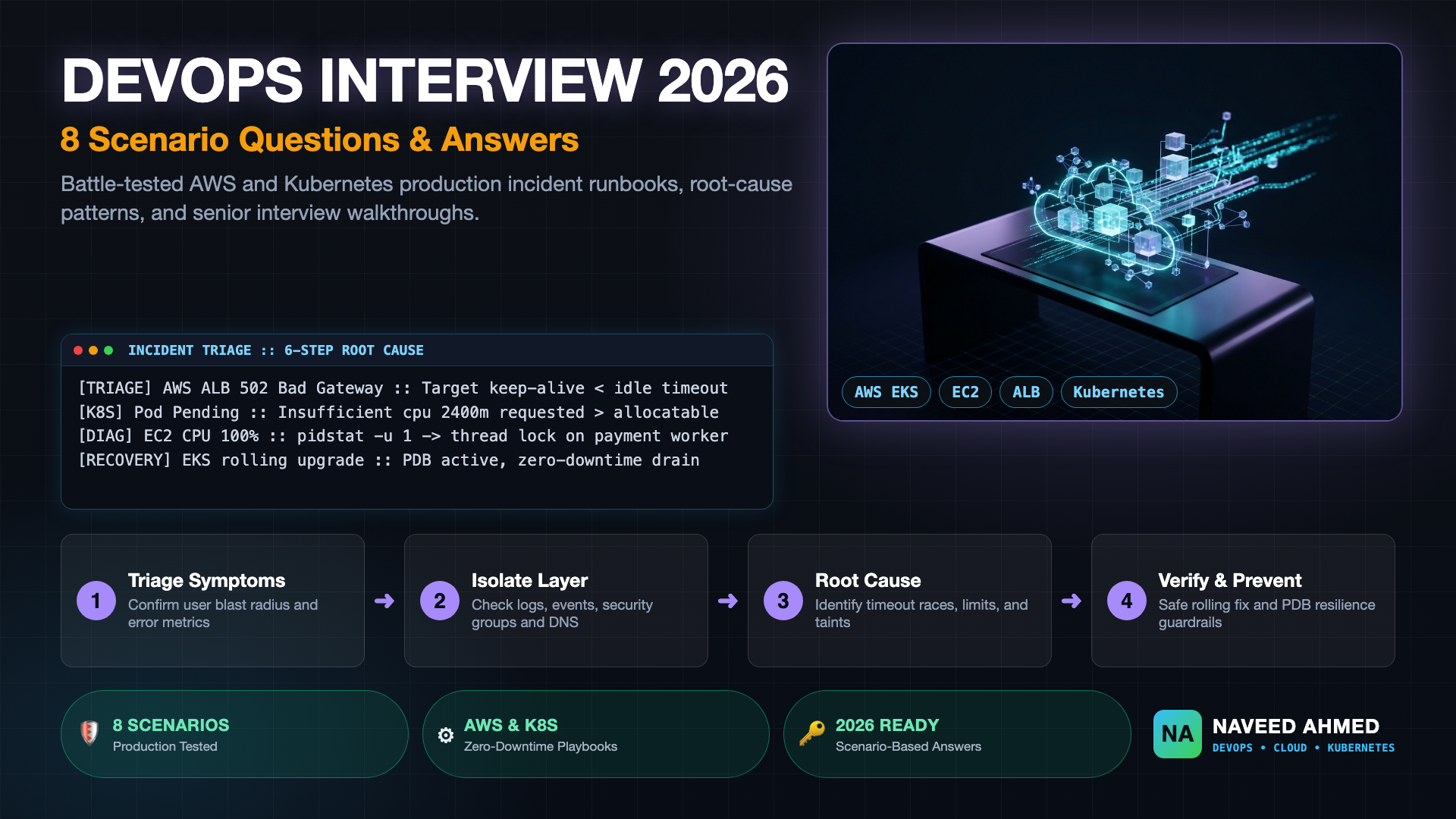
Preparing for devops interview questions 2026 requires a fundamental shift away from reciting textbook definitions toward demonstrating battle-tested, scenario-based troubleshooting instincts. Today's interview panels for Senior DevOps, Cloud Engineer, Site Reliability Engineer (SRE), and Platform Engineer roles rarely ask what a Kubernetes Pod or AWS EC2 security group is. Instead, they drop you directly into high-severity production outages: an Amazon EKS rolling upgrade causing unexpected pod evictions, an Application Load Balancer (ALB) spewing 502 Bad Gateway responses, an EC2 instance pegged at 100% CPU with unresponsive SSH, or a Kubernetes Service failing to route client traffic despite running pods.
In this masterclass guide and companion video walkthrough, we dissect 8 real-world DevOps interview scenarios covering AWS networking, compute, managed Kubernetes, and production debugging. Each scenario includes the technical symptoms, the underlying failure mode, the exact terminal commands to diagnose the issue, a polished 60-second interview answer, and the architectural fix required to pass top-tier technical loops.
Follow along with senior platform architect Naveed Ahmed as he walks through each technical scenario, highlighting critical interview mistakes, live terminal triage steps, and the systemic troubleshooting pattern hiring managers look for.
DevOps Interview Questions 2026: The 6-Step Troubleshooting Framework
The most glaring red flag during technical interviews is guessing or blindly offering destructive fixes like rebooting an EC2 instance or killing pods. When interviewers present a vague incident prompt, they want to observe your thought process under pressure.
1. Confirm Symptoms & Scope
Clarify blast radius: What percentage of traffic is impacted? Is it localized to an Availability Zone, a single microservice, or all external users?
2. Telemetry & Logs
Check logs, events, and metrics. Correlate timestamps across CloudWatch metrics, Kubernetes events, and upstream ingress logs.
3. Isolate Failure Domain
Decouple layers systematically: Host OS / Virtualization → Network / Security Groups / DNS → Runtime / Kubelet → Application Code.
4. Identify Root Cause
Pinpoint the exact bottleneck: an idle timeout mismatch, an unhandled thread deadlocking CPU, or a missing NetworkPolicy ingress rule.
5. Apply Surgical Remediation
Execute a controlled fix with a rollback plan. Validate that error budgets recover and service health checks transition to healthy.
6. Prevent Recurrence
Codify defenses: Add PodDisruptionBudgets, automated alert thresholds, Terraform drift detection, and pre-commit schema validation.
The 970+ Incident Handbook & K8s Runbooks are exclusive to subscribers — unlock for FREE
Get battle-tested production runbooks, AWS architecture blueprints, and zero-downtime CI/CD post-mortems sent directly to your inbox. 100% free, no spam.
Scenario 1: Amazon EKS Upgrade Without Downtime
When answering devops interview questions 2026 on Amazon EKS, hiring panels expect you to explain zero-downtime cluster upgrades with surgical precision. Upgrading a production cluster from Kubernetes 1.30 to 1.31 or 1.32 cannot interrupt ongoing client transactions. When an interviewer asks, "How do you execute an EKS upgrade with zero customer downtime?", they are testing your understanding of Kubernetes control plane guarantees, node eviction semantics, and API deprecations.
Review the complete interview breakdown and model answer in our EKS zero-downtime cluster upgrade guide.
Step-by-Step EKS Upgrade Sequence
- Pre-Upgrade Deprecation Check: Scan all cluster manifests using
plutoorkubentto identify removed API versions before initiating the cluster version bump. - Control Plane Upgrade: Trigger the EKS control plane update via AWS CLI or Terraform. AWS manages control plane high availability across three AZs with zero API server downtime:
aws eks update-cluster-version \ --name production-cluster \ --kubernetes-version 1.31 - Core Cluster Add-ons: Update managed add-ons in sequence:
vpc-cni(aws-node) first, followed bykube-proxy, and finallycoredns. Ensurecorednshas at least two replicas with anti-affinity across distinct worker nodes. - Worker Node Rotation with PDBs: Protect production workloads using
PodDisruptionBudgetobjects. A PDB guarantees that a minimum number of healthy replicas remain available during voluntary disruptions:apiVersion: policy/v1 kind: PodDisruptionBudget metadata: name: payment-api-pdb spec: minAvailable: 80% selector: matchLabels: app: payment-api - Drain and Cordon: Cordon old worker nodes to mark them unschedulable, then drain them safely:
kubectl cordon ip-10-0-45-12.ec2.internal
kubectl drain ip-10-0-45-12.ec2.internal \
  --ignore-daemonsets \
  --delete-emptydir-data \
  --grace-period=60
kubectl drain will evict it immediately, causing a hard outage while the new pod boots on another node.
The 60-Second Interview Answer (STAR Method)
"To perform a zero-downtime EKS upgrade, I split the operation into three decoupled phases. First, I run Pluto against our GitOps manifests to audit for deprecated APIs, then initiate the managed control plane upgrade via Terraform. Because AWS provisions API servers across multiple AZs behind an NLB, the control plane upgrade incurs zero API downtime. Second, I update our cluster add-ons in exact sequence: VPC-CNI, kube-proxy, and CoreDNS. Third, rather than mutating nodes in place, I provision a new managed node group running the target AMI, verify node readiness, and execute a controlled node drain guarded by PodDisruptionBudgets and topology spread constraints before decommissioning the old node group."
Scenario 2: AWS EC2 CPU at 100%
A classic scenario in devops interview questions 2026 for experienced engineers involves an EC2 instance triggering critical alarms. If your immediate answer is "restart the instance" or "scale up the Auto Scaling Group," you fail the interview. Restarting destroys the in-memory state and execution stacks needed to diagnose why the CPU spiked.
Dive deeper into thread profiling and kernel metrics in our AWS EC2 high CPU troubleshooting runbook.
Diagnostic Runbook
Connect via SSH or AWS Systems Manager (SSM) Session Manager and execute:
# 1. Check overall CPU split across user, system, and wait
top -b -n 1 | head -n 12

# 2. Check per-process CPU utilization with command paths
ps aux --sort=-%cpu | head -n 10

# 3. Profile process threads at 1-second intervals
pidstat -u 1 5

# 4. Check whether high CPU is driven by disk I/O wait or memory thrashing
vmstat 1 5| Metric State | Likely Root Cause | Immediate Action |
|---|---|---|
%us > 90% |
Application infinite loop, heavy serialization, or unthrottled worker | Capture thread dump (jstack, py-spy, or gdb), then throttle process |
%sy > 70% |
Kernel lock contention, excessive context switching, network interrupt storm | Inspect dmesg, run strace -c, check network PPS |
%wa > 40% |
EBS IOPS exhaustion or swap memory thrashing | Check iostat -xz 1, increase EBS volume IOPS, disable swap paging |
%st > 20% |
Noisy neighbor on hypervisor or T-series CPU credit depletion | Check CPUCreditBalance in CloudWatch; migrate to Nitro c6i/m6i instance |
The 60-Second Interview Answer (STAR Method)
"When an EC2 instance triggers a 100% CPU alert, I never reboot the machine because that destroys diagnostic evidence. First, I check CloudWatch to see if the instance is a burstable T-series whose CPUCreditBalance hit zero, forcing hypervisor throttling. Second, I connect via AWS Systems Manager Session Manager and run top and vmstat to see whether CPU time is burned in user space, system kernel time, or I/O wait. If user space is pegged, I run pidstat -u 1 5 to isolate the offending PID and capture a thread dump with py-spy or jstack before killing or restarting that specific worker. Finally, I adjust ASG target tracking policies and add CPU credit alerting to prevent recurrence."
Scenario 3: EC2 SSH Connection Not Working
When troubleshooting connectivity to an EC2 instance in a private or public subnet, understanding the difference between network timeout, rejection, and authentication failure is fundamental.
Explore the full security isolation checklist in our EC2 SSH connection debugging guide.
ssh: connect to host ... Connection timed out
Packets are dropped silently. Verify:
1. Security Group Inbound rules allow port 22 from your public IP.
2. Subnet route table points 0.0.0.0/0 to an Internet Gateway (igw-xxx).
3. Network ACL allows inbound port 22 and outbound ephemeral ports (1024-65535).
ssh: connect to host ... Connection refused
Network routing succeeded, but the host rejected the TCP SYN:
1. The sshd service crashed or failed to start.
2. Host firewall (iptables, ufw, or firewalld) is blocking port 22.
3. The instance was reconfigured to listen on a custom SSH port.
Permission denied (publickey)
TCP handshake succeeded, but authentication failed:
1. Wrong default user (e.g. using root instead of ec2-user or ubuntu).
2. Local private key permissions too open (enforce chmod 400 ~/.ssh/id_rsa).
3. Instance ~/.ssh/authorized_keys permissions corrupted.
Senior Interview Pro-Tip: Mention that in modern production cloud architectures, teams do not expose port 22 to the public internet or maintain SSH keys. Instead, they access instances securely using AWS Systems Manager (SSM) Session Manager, which operates over HTTPS via outbound IAM agent communication:
aws ssm start-session --target i-0a8b7c6d5e4f32100The 60-Second Interview Answer (STAR Method)
"When SSH fails, I look at the exact error string. A 'Connection timed out' means packets are dropping before reaching sshd—I check Security Group ingress for my IP, verify the subnet Route Table has a default route to an IGW, and verify that stateless Network ACLs permit outbound ephemeral ports 1024 to 65535. A 'Connection refused' means routing works but sshd is down or iptables is rejecting packets. A 'Permission denied' is purely authentication—I check for chmod 400 on the private key and verify the AMI default username. In modern architectures, I eliminate SSH entirely by provisioning instances with the AmazonSSMManagedInstanceCore IAM role and connecting over AWS Systems Manager Session Manager."
Scenario 4: AWS ALB Returns 5xx Errors
Load balancer 5xx errors are among the most frequent devops interview questions 2026 asked during senior SRE loops. Interviewers want to see if you can differentiate between load balancer generation errors and upstream target application failures.
Read our complete diagnostic walkthrough in the AWS ALB 5xx error diagnosis runbook.
| Status Code | Origin Metric | Primary Root Causes | Verification & Fix |
|---|---|---|---|
| 502 Bad Gateway | HTTPCode_ELB_502_Count |
1. Target keep-alive timeout is shorter than ALB idle timeout (60s). 2. Target crashed mid-response sending TCP RST. 3. TLS negotiation mismatch between ALB and backend. |
Configure backend web server (Nginx/Node.js/Gunicorn) keep-alive timeout to at least 65 seconds (higher than ALB's 60s). |
| 503 Service Unavailable | HTTPCode_ELB_503_Count |
1. No healthy targets registered in target group (HealthyHostCount == 0).2. Target group queue depth exceeded. |
Check Target Group health check path, response codes (e.g. requiring 200 but receiving 301/404), and ensure backend instances are listening on target port. |
| 504 Gateway Timeout | HTTPCode_ELB_504_Count |
Target accepted connection but failed to complete response before ALB idle timeout expired. | Profile upstream database query locks, external API latency, or increase ALB idle timeout attribute if long polling is intentional. |
The 60-Second Interview Answer (STAR Method)
"When troubleshooting ALB 5xx errors, I start by comparing CloudWatch's HTTPCode_ELB_5XX against HTTPCode_Target_5XX. If Target_5XX is spiking, the issue is inside the application code or backend database. If ELB_5XX is spiking, the load balancer generated the error. For 502 Bad Gateway, the most common production root cause is an idle timeout race: the backend web server (like Nginx or Node.js) has a keep-alive timeout of 60 seconds or lower, closing the TCP connection right as the ALB dispatches a reused socket. Setting the backend keep-alive timeout to 65 seconds eliminates 502 races. For 503s, I check HealthyHostCount to see if failing health checks drained the pool, and for 504s, I check backend latency against the ALB's 60-second idle timeout."
Scenario 5: Application Works Internally but Not from the Internet
This scenario tests whether a DevOps engineer understands AWS VPC networking topology. An application running on EC2 or inside ECS/EKS might respond perfectly to curl http://localhost:8080 or internal VPC calls, yet external clients receive connection timeouts.
Review our full VPC routing and security architecture in the AWS internal vs public VPC connectivity playbook.
Systematic VPC Isolation Checklist
- DNS & Hosted Zone: Verify Route 53 configuration. Did someone create a record in a Private Hosted Zone instead of the Public Hosted Zone? Test using
dig +short app.example.com @8.8.8.8to confirm the public DNS returns the public IP or ALB CNAME. - Public Subnet Route Table: Confirm the subnet containing the public load balancer has a route targeting an Internet Gateway:
If the target points toDestination: 0.0.0.0/0 -> Target: igw-0123456789abcdef0nat-xxx, it is a private subnet and cannot accept inbound internet traffic. - Security Group Ingress Rules: Check that the public load balancer's security group allows inbound traffic on ports 80 and 443 from source
0.0.0.0/0. Ensure the backend EC2/Pod security group allows traffic only from the ALB security group. - Stateless Network ACLs (NACL): Remember that NACLs are stateless. If inbound rule allows traffic on port 443, outbound rule must allow ephemeral return traffic (ports
1024-65535) back to the client. - AWS WAF Rules: Check AWS WAF logs associated with the ALB. Geo-blocking rules, IP reputation lists, or rate-limiting rules may be silently dropping external HTTP requests with 403 Forbidden.
The 60-Second Interview Answer (STAR Method)
"If an app responds locally or across internal VPC endpoints but fails externally, I trace the packet along the ingress edge. Step one: verify Route 53 public DNS with dig to ensure records aren't trapped in a split-view Private Hosted Zone. Step two: verify the public ALB sits in subnets with an explicit default route (0.0.0.0/0) to an Internet Gateway, not a NAT Gateway. Step three: check security group ingress on the ALB for 0.0.0.0/0 on 443, and confirm backend security groups accept traffic from the ALB's security group ID. Step four: verify subnet NACLs permit outbound ephemeral return traffic on ports 1024 to 65535. Step five: inspect AWS WAF sampled requests to ensure managed rules aren't dropping external traffic."
Scenario 6: Kubernetes Pod Stuck in Pending
When candidates face devops interview questions 2026 for experienced roles, Kubernetes scheduling bottlenecks are a staple. A Pod in Pending state means the API server accepted the pod object, but kube-scheduler could not find a suitable worker node matching all filter predicates.
Follow our hands-on scheduler triage guide in the Kubernetes Pod stuck in Pending investigation.
Triage and Common Causes
# Inspect scheduler predicates and failure events
kubectl describe pod payment-worker-7c89f5bc74-9k2lp

# Check cluster-wide node allocatable resources
kubectl describe nodes | grep -A 8 "Allocated resources"

# Check persistent volume claims and storage classes
kubectl get pvc,pv
1. Insufficient CPU or Memory
Event: 0/6 nodes are available: 6 Insufficient cpu.
The scheduler bases placement on resources.requests, not current live usage. If sum of requests exceeds node allocatable capacity, the pod will not schedule until the autoscaler adds nodes.
2. Taints and Tolerations
Event: 0/6 nodes are available: 6 node(s) had untolerated taint.
Specialized nodes (e.g. GPU instances or dedicated infrastructure nodes) have taints like sku=gpu:NoSchedule. The pod manifest must define matching tolerations.
3. PVC Binding Delays
Event: pod has unbound immediate PersistentVolumeClaims.
The pod claims a PVC that cannot bind, or uses a StorageClass with volumeBindingMode: WaitForFirstConsumer across an Availability Zone where no compatible node has spare capacity.
The 60-Second Interview Answer (STAR Method)
"When a pod is stuck in Pending, I run kubectl describe pod and immediately jump to the Events table at the bottom. Kube-scheduler records exact predicate evaluation failures under FailedScheduling. If it says 'Insufficient cpu or memory', I explain to the interviewer that scheduling is governed by resource requests, not live usage—either requests are set unrealistically high or the cluster autoscaler/Karpenter is lagging in spinning up nodes. If it cites untolerated taints or nodeSelector mismatches, I verify manifest topology keys. If it says 'unbound immediate PersistentVolumeClaims', I check if the PVC's StorageClass requires volumeBindingMode: WaitForFirstConsumer, locking placement to an AZ without allocatable capacity."
Scenario 7: Kubernetes Pod in CrashLoopBackOff
A hallmark of technical devops interview questions 2026 is container failure modes. You must demonstrate that you know how to retrieve logs from a previous crashed container instance before kubelet rotates the container runtime.
Review our comprehensive exit code catalog in the Kubernetes CrashLoopBackOff triage guide, as well as our specialized deep dive on production CrashLoopBackOff debugging.
Exit Code Taxonomy & Troubleshooting
# 1. Fetch stderr logs of the crashed container
kubectl logs payment-service-59bc6f9d4c-8z2qm --previous

# 2. Check the container Last State and Exit Code
kubectl get pod payment-service-59bc6f9d4c-8z2qm -o jsonpath='{.status.containerStatuses[0].lastState.terminated}'- Exit Code 137 (OOMKilled):
128 + 9 (SIGKILL). IfOOMKilled: true, the container exceeded its cgroup memory limit defined inresources.limits.memory. IfOOMKilled: false, the Linux host kernel OOM killer ran out of physical RAM and selected this pod's process based on itsoom_score_adj. Fix: Increase memory limits or profile memory leaks in your application. - Exit Code 1 / 2 (Application Fatal Error): Unhandled runtime exception, missing configuration file, invalid database password, or failed schema migration on startup. Fix: Check
--previouslogs for stack traces. - Exit Code 143 (SIGTERM Timeout):
128 + 15 (SIGTERM). The container received a termination signal but failed to complete graceful drain withinterminationGracePeriodSeconds, prompting kubelet to send SIGKILL. - Aggressive Liveness Probe: If
initialDelaySecondsis too low, kubelet kills the container before it finishes warming up databases or building caches. Fix: Replace premature liveness probes with a dedicatedstartupProbe.
The 60-Second Interview Answer (STAR Method)
"When an interviewer asks about CrashLoopBackOff, I emphasize that CrashLoopBackOff is not the root error—it's kubelet's exponential backoff delay after repeated container deaths. Step one: I run kubectl logs with the --previous flag. If you omit --previous, you only see the blank logs of the newly rebooted container. Step two: I inspect kubectl describe pod for the lastState.terminated block. If Exit Code is 137 with OOMKilled true, the container breached its memory limit cgroup. If Exit Code is 1 or 2, it's an application crash like a missing environment variable. If the container stays alive for 30 seconds before dying, I check whether an overzealous livenessProbe is killing the container during initialization, and recommend adding a startupProbe with adequate failureThreshold."
Scenario 8: Kubernetes Pod Running but Service Not Accessible
Among advanced devops interview questions 2026, diagnosing inaccessible Kubernetes Services tests whether you understand iptables/IPVS packet forwarding beneath high-level abstractions.
Explore the full Service networking architecture in our Kubernetes Service routing and endpoint diagnostics guide.
Step-by-Step Network Isolation
1. Inspect EndpointSlices
Run kubectl get endpointslices -l kubernetes.io/service-name=<svc>. If the endpoints list is <none>, the Service's spec.selector does not match the Pod's metadata.labels.
2. Verify targetPort Alignment
Ensure spec.ports[].targetPort points to the actual container port. If the Service exposes port 80 and the application listens on 8080, setting targetPort: 80 causes silent connection drops.
3. Readiness Probe Status
A pod can be in Running status with 0/1 READY. When a readiness probe fails, kubelet immediately strips the pod's IP from the Service endpoints to prevent traffic routing.
4. Localhost Binding Trap
Verify the application binds to 0.0.0.0 (all interfaces) rather than 127.0.0.1. Inside a Linux network namespace, binding to loopback prevents external packets reaching the process.
5. Kubernetes NetworkPolicy
Check for default-deny NetworkPolicy rules. If a CNI plugin like Calico or Cilium enforces network isolation, client pods cannot communicate with the service without an explicit ingress allow rule.
6. CoreDNS Resolution
Test in-cluster DNS using an ephemeral pod: kubectl run debug -it --rm --image=busybox -- nslookup my-service.default.svc.cluster.local to ensure CoreDNS pods are responding.
The 60-Second Interview Answer (STAR Method)
"If a Pod shows Running but the Service fails to route traffic, I verify the Kubernetes data plane step by step. First, I run kubectl get endpointslices. If the endpoint list is empty, there is a label mismatch between the Service selector and the Pod metadata labels, or the pod is Running 0/1 with a failing readiness probe, which causes the endpoint controller to de-register it. Second, I check that targetPort matches the port the container is actually listening on. Third, I check application server logs to ensure the process binds to 0.0.0.0 rather than 127.0.0.1—binding to localhost isolates the process to the container loopback interface. Finally, I inspect NetworkPolicies to confirm egress from client pods and ingress to target pods is explicitly permitted."
Master DevOps Scenario Comparison Matrix
In technical rounds, the ability to rapidly categorize an unfamiliar incident into its proper architectural failure domain in under 5 seconds is what distinguishes lead engineers. Use this master matrix as your quick-reference study guide:
| # | Scenario Name | Failure Domain | Primary Signal | First 60s Command | Architectural Fix |
|---|---|---|---|---|---|
| 1 | Amazon EKS Upgrade | K8s Control Plane & Node Groups | Eviction errors, 503s on single replicas | kubectl get pdb -A |
Enforce PodDisruptionBudgets & Blue/Green node groups |
| 2 | AWS EC2 CPU 100% | Compute Host OS & Threads | CloudWatch CPUUtilization & credit drop |
top -b -n 1 / pidstat -u 1 5 |
Profile thread dumps before kill; Nitro instance migration |
| 3 | EC2 SSH Failure | VPC Security & IAM Access | Connection Timed Out / Refused | ssh -vvv / check SG ingress |
Eliminate port 22 via AWS SSM Session Manager |
| 4 | AWS ALB 5xx Errors | Application Edge & Keep-Alive | HTTPCode_ELB_502/503/504 |
CloudWatch Target vs ELB 5xx | Set target keep-alive (65s) > ALB idle timeout (60s) |
| 5 | Internal vs Public VPC | VPC Route Tables & NACLs | Local curl succeeds, public times out | dig +short & route table check |
Ensure public subnet points 0.0.0.0/0 to IGW; NACL return ports |
| 6 | Pod Stuck in Pending | kube-scheduler Predicates | FailedScheduling events |
kubectl describe pod <name> |
Right-size requests; add tolerations; fix StorageClass binding |
| 7 | CrashLoopBackOff | Container Runtime & cgroups | Exit Code 137 / 1 / 143 | kubectl logs <pod> --previous |
Fix OOM limit sizing; add startupProbes for slow boot apps |
| 8 | Service Inaccessible | K8s Endpoints & CNI Routing | Connection refused to ClusterIP | kubectl get endpointslices |
Align selectors; pass readiness probes; bind to 0.0.0.0 |
How to Master DevOps Interview Questions in 2026
To excel at devops interview questions 2026, candidates must practice real-world troubleshooting scenarios rather than memorizing definitions. Passing technical interviews in 2026 requires continuous hands-on practice across both infrastructure provisioning and live troubleshooting. To build deep architectural intuition:
- Practice Scenario Questions: Explore our interactive bank of over 1,449+ real-world DevOps scenario questions covering AWS, Kubernetes, Terraform, Linux, CI/CD, and Site Reliability Engineering.
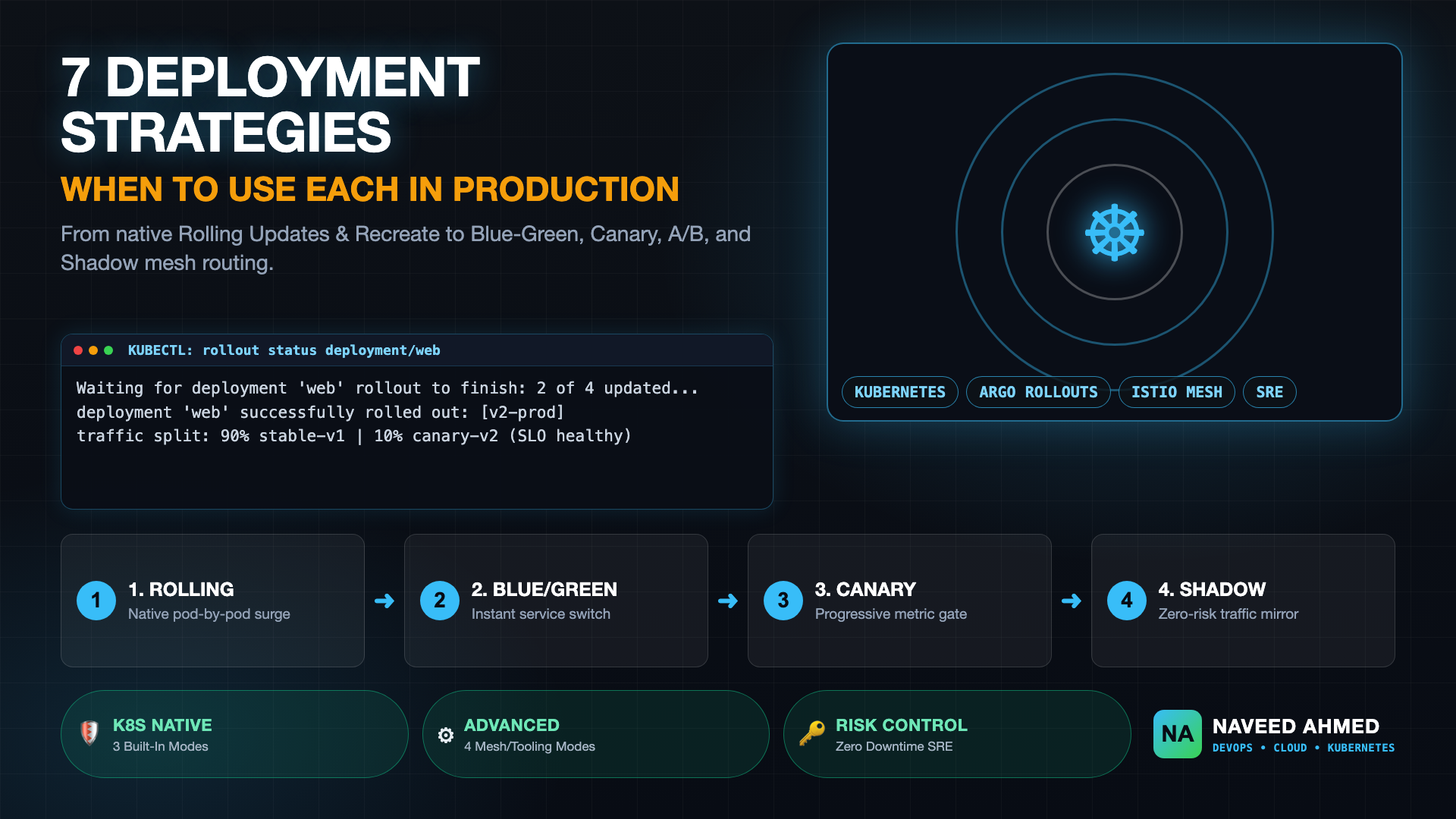
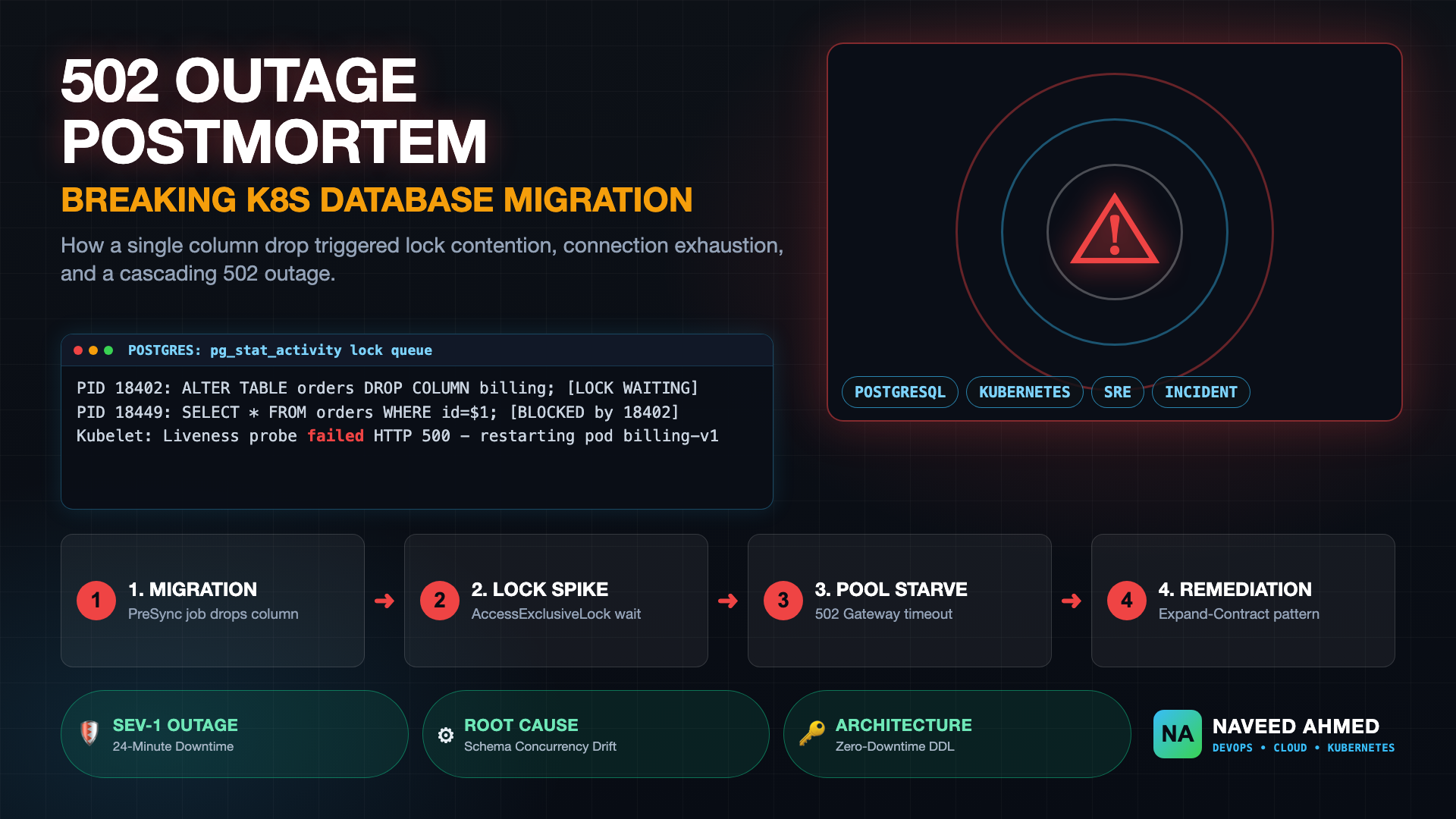
- Hands-On Kubernetes Drills: Master deployment patterns and zero-downtime rollouts with our in-depth guides on Kubernetes deployment strategies and preventing database migration rolling update outages.
- Interactive Tooling & Labs: Test your command line reflexes and cluster diagnostic skills using Kubernetes Mastery interactive drills and cloud infrastructure calculators at DevOps Engineering Tools.
- Embrace the 6-Step Mindset: In every mock interview or loop, articulate your assumptions clearly, explain what metrics you would examine first, isolate the failure domain systematically, and always propose automated safeguards to prevent recurrence.
Frequently Asked Questions
What are the most common scenario-based DevOps interview questions in 2026?
In 2026, top DevOps interview questions focus on distributed cloud failures: zero-downtime Amazon EKS cluster upgrades, sudden EC2 CPU spikes, ALB 502/503/504 edge cases, VPC security group and NAT routing blocks, and Kubernetes pod lifecycle failures like CrashLoopBackOff, OOMKilled, Pending scheduling locks, and headless/ClusterIP Service routing drops.
How should an experienced engineer structure scenario-based DevOps interview answers?
Use the 6-step troubleshooting framework: 1) Clarify blast radius and error symptoms, 2) Inspect telemetry (CloudWatch, kubectl logs, events), 3) Isolate failure domain (host node vs networking vs container runtime vs application), 4) Prove root cause with verifiable CLI output, 5) Apply a non-destructive fix with rollback capability, and 6) Establish preventive guardrails (PDBs, alerts, IaC policies).
What is the difference between ALB 502, 503, and 504 errors in an interview scenario?
An ALB 502 Bad Gateway means the upstream target severed the TCP connection prematurely or sent an invalid HTTP response (often keep-alive timeout shorter than ALB idle timeout). A 503 Service Unavailable indicates zero healthy registered targets or target group queue saturation. A 504 Gateway Timeout occurs when the target accepts the request but fails to respond within the load balancer idle timeout threshold.
How do you diagnose a Kubernetes Pod in CrashLoopBackOff with Exit Code 137?
Exit code 137 indicates SIGKILL (128 + 9). First inspect kubectl describe pod to determine whether OOMKilled is true (the container exceeded its resources.limits.memory cgroup ceiling) or if the host Linux kernel OOM killer terminated the process due to node memory exhaustion. If OOMKilled is false, check for external liveness probe timeout timeouts or node evictions.